macOS
macOS 11+ · Apple Silicon and Intel · open Terminal
curl -fsSL https://omegaplusapi.com/sandbox/install.sh | shSandbox · 2.0.0-beta.2 · Public beta
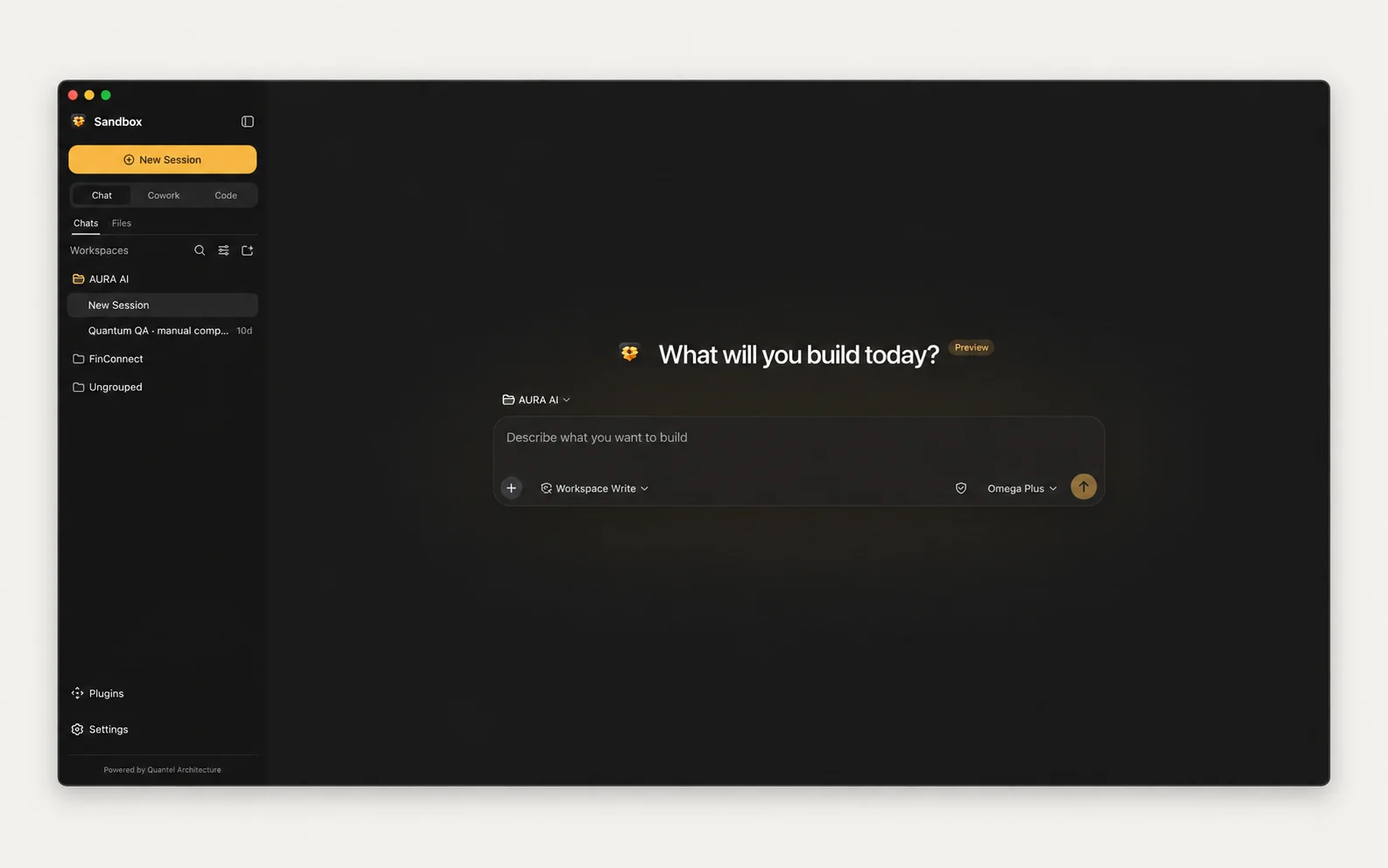
Chat, work across project folders, and build with code from one native interface connected directly to your Omega Plus account.
Install
Paste the command for your system and press Enter. The installer downloads Sandbox, verifies its SHA-256 checksum, installs it in your user folder without an administrator password, and opens it in your browser. Updates then install automatically in the background.
macOS 11+ · Apple Silicon and Intel · open Terminal
curl -fsSL https://omegaplusapi.com/sandbox/install.sh | shWindows 10/11 · 64-bit (x64) · open Command Prompt or PowerShell
powershell -ExecutionPolicy Bypass -c "irm https://omegaplusapi.com/sandbox/install.ps1 | iex"Get started
Sandbox signs in with your Omega Plus account. Your models, credits, and connected apps follow the account, on every computer you use.
Open Terminal on macOS, or Command Prompt or PowerShell on Windows, paste the command above, and press Enter. There is nothing to wait for or configure: when the install finishes, Sandbox opens in your browser by itself. To start it again later, run sandbox. When an update is ready, Sandbox shows Restart to update.
If you have not verified an email address yet, first sign in to your Omega Plus dashboard. A window titled Verify your email to continue appears. Enter an active email address that can receive one-time codes, then enter the 6-digit code we send to it. From then on you sign in with this email. Sign-in with an API key ends on 30 October 2026.
New to Omega Plus? Create an account with your email instead.
In the Sandbox tab that opened, click Sign in with Omega. Enter the same email address, sign in with the code sent to your inbox, and click Allow.
Your browser returns to Sandbox, signed in. Choose a model and start in Chat, Cowork, or Code. Open Connectors to connect apps such as Gmail, GitHub, or Slack; each app action uses 5 credits from your balance.
Three work surfaces
Sandbox keeps conversation and project work together while maintaining clear boundaries between a simple chat and tool-enabled local work.
Focused conversation and questions without enabling broader local project tools.
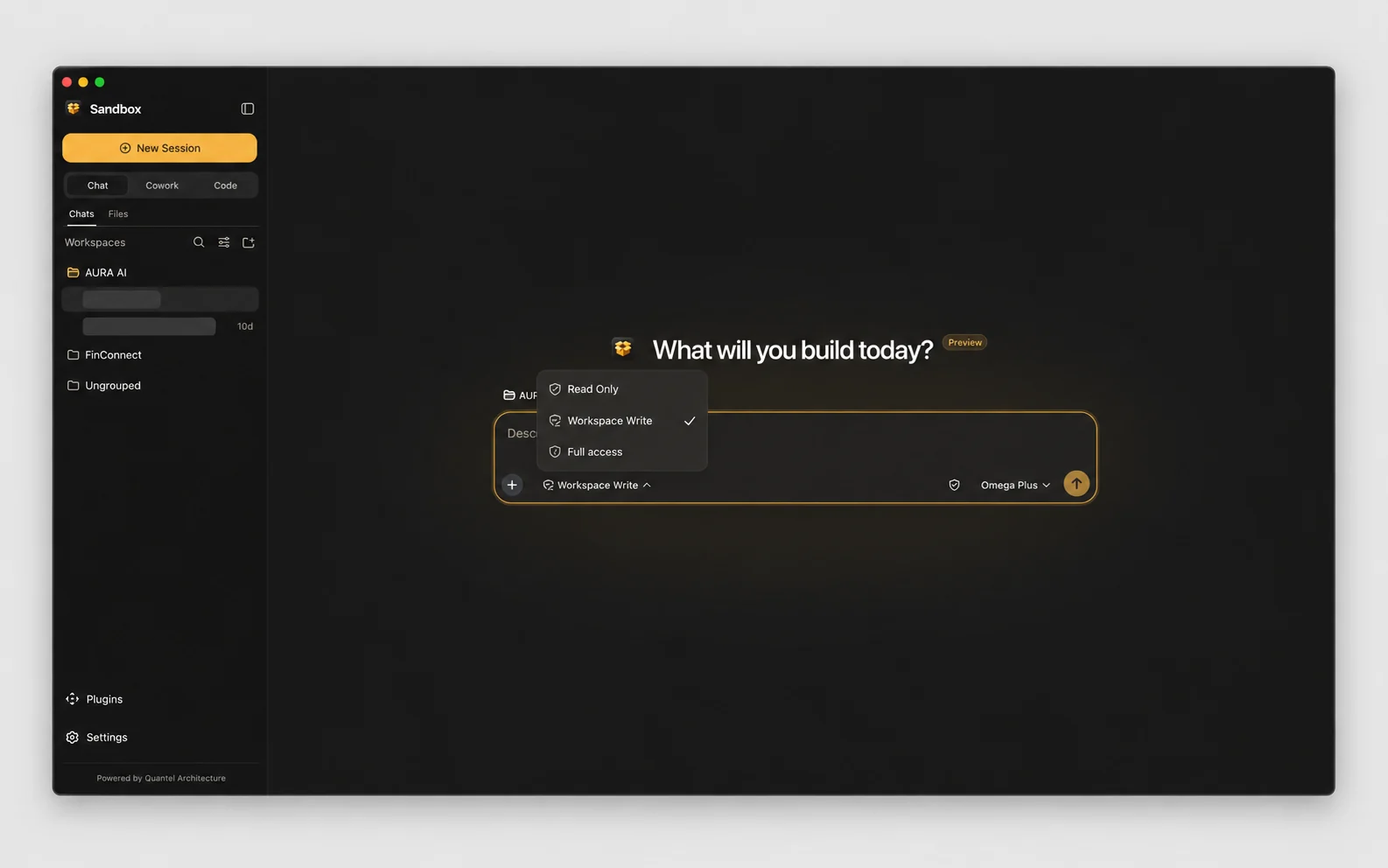
Workspace-aware project work with file and shell capabilities you explicitly permit.
Inspect, edit, and verify a codebase using local tools governed by your permission mode.
Inside Sandbox
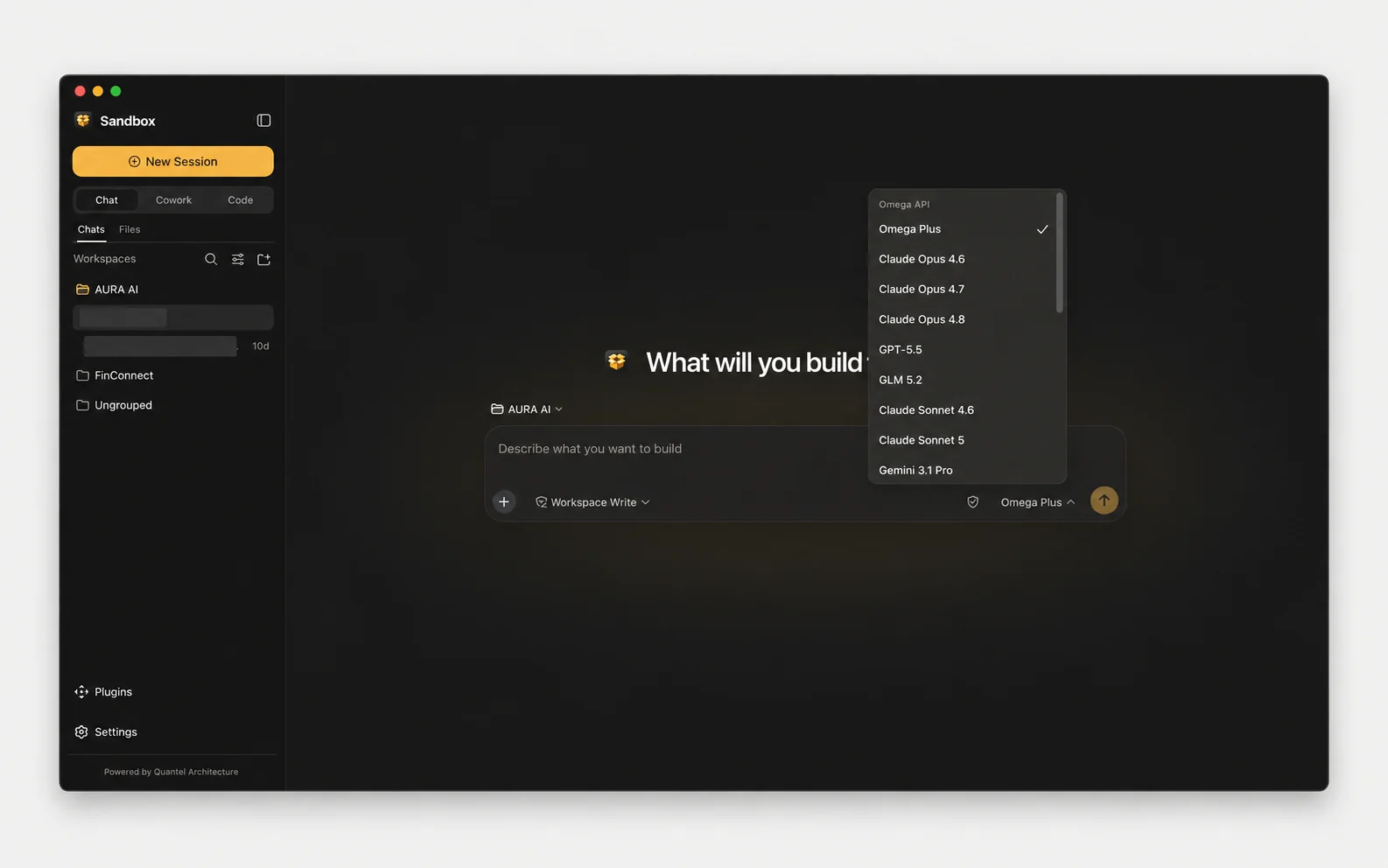
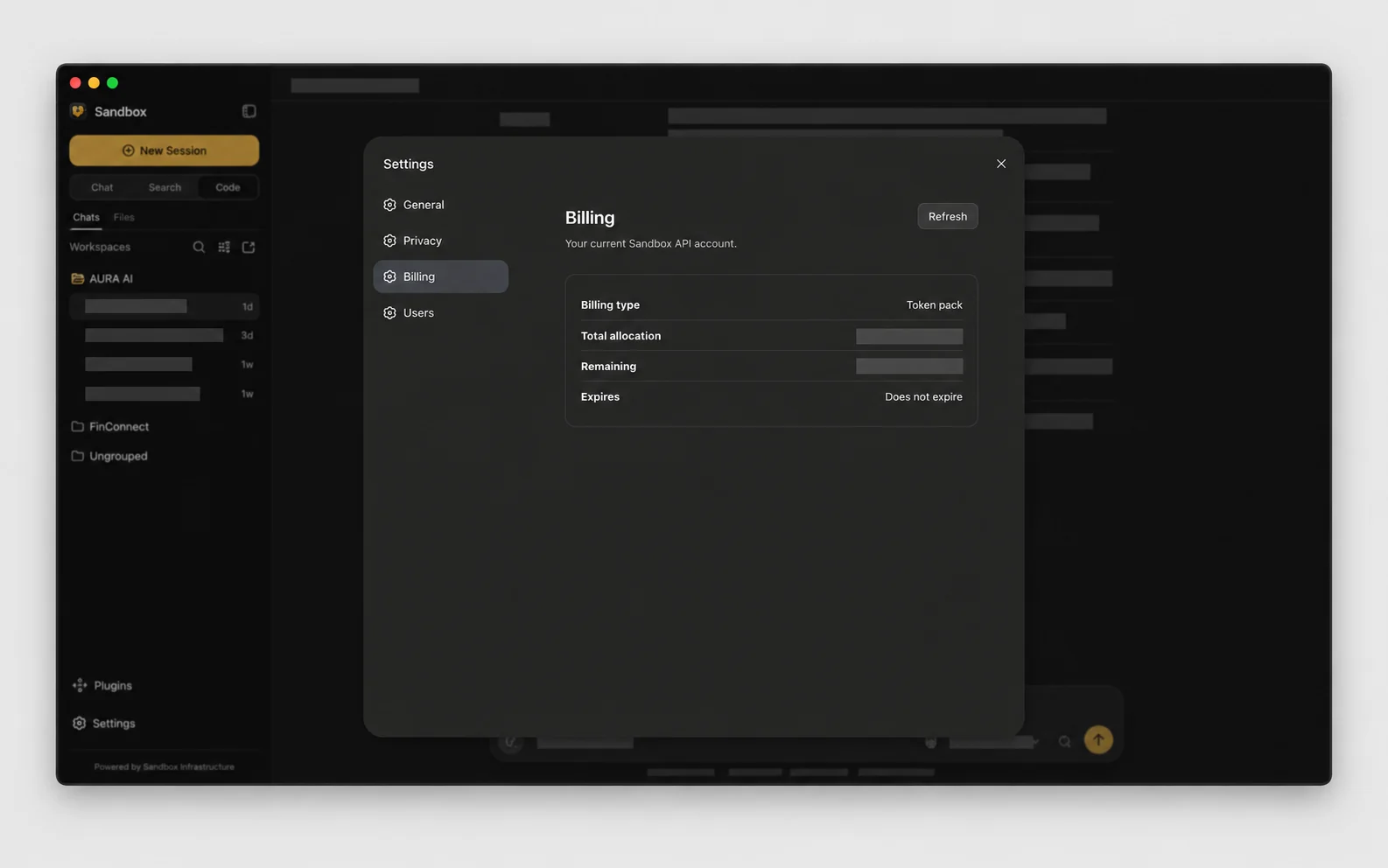
Permissions, models, billing, and usage are part of the workspace—not hidden behind an unrelated control panel.
Designed into the desktop
Sandbox is designed to make model access, local work, permissions, privacy, and account visibility understandable.
Sign in with Omega once. Sandbox loads the models available to your account.
Begin quickly, then switch to deeper inspection and verification when the task requires it.
Optionally detect and mask selected sensitive text before it leaves the composer.
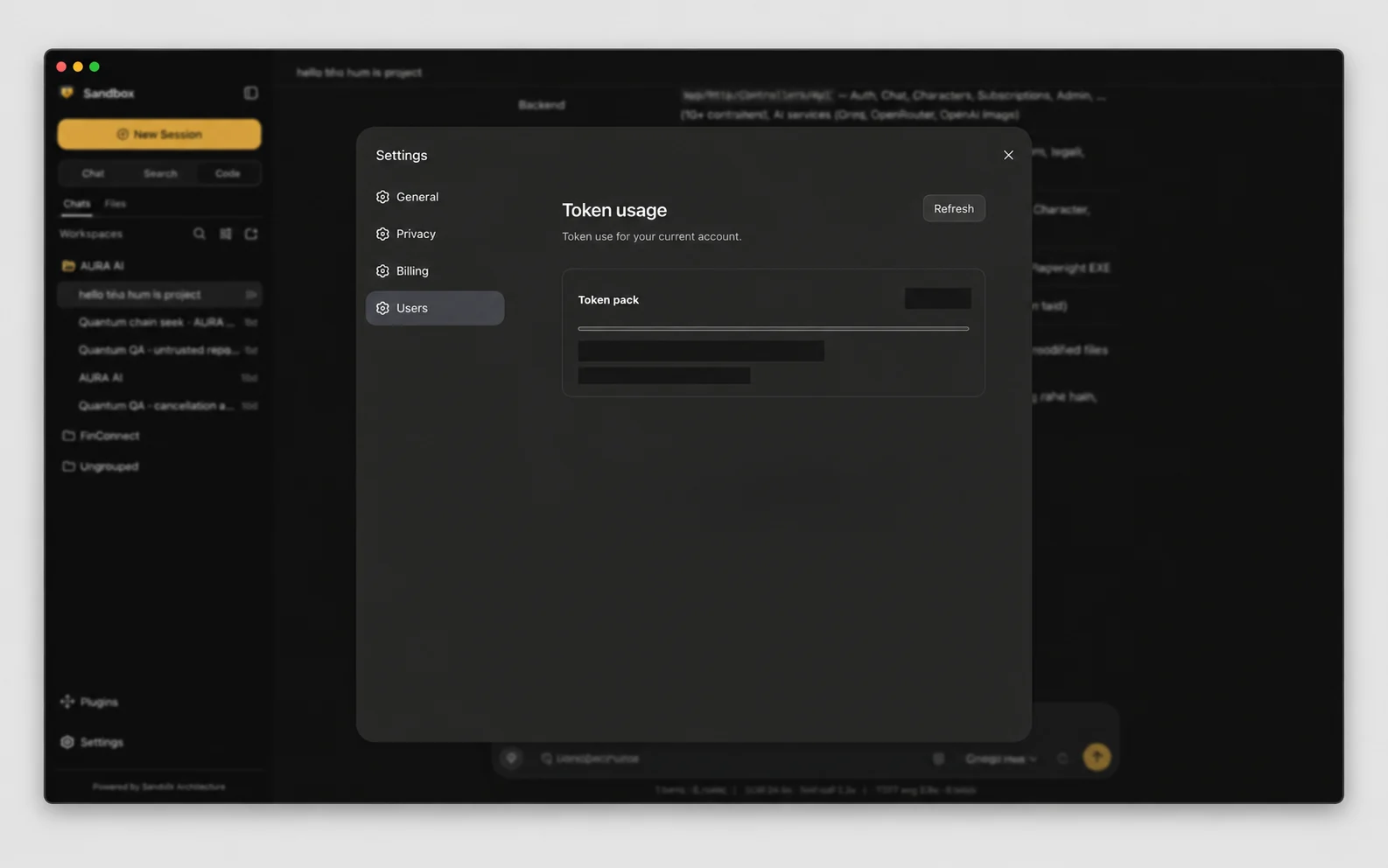
See the account billing type and monitor the usage reported by Omega Plus.
Connect supported managed tools or configure custom MCP servers for extended workflows.
Your key stays in the local Sandbox server and is never sent to the browser page.
Security notes
Privacy Shield is optional and disabled by default.
Composer masking runs locally for typed or pasted text.
Your sign-in key is stored in a file only your user account can read.
Workspace tools remain governed by the permission mode you select.
Privacy Shield does not rewrite attachments, existing history, system prompts, or traffic from other API clients. It is not a complete DLP or anonymity guarantee.Sandbox / 2.0.0-beta.2
New to AI-assisted building? Follow the car rental MVP tutorial from planning through verification.